Pick a day. Tick off your sets.
Kamae is a free workout journal built around your training days. Plan your split once, log every set and watch your lifts climb. It was called Kitae until November 2026.
- .android Try the test builds Source code F-Droid and Google Play soon. Needs Android 8 or newer
- .iphone Join the TestFlight beta Source code Needs iOS 26 or newer
See it on your phone.
The screens follow this page's light or dark theme.
.iphone Kamae for iPhone
-
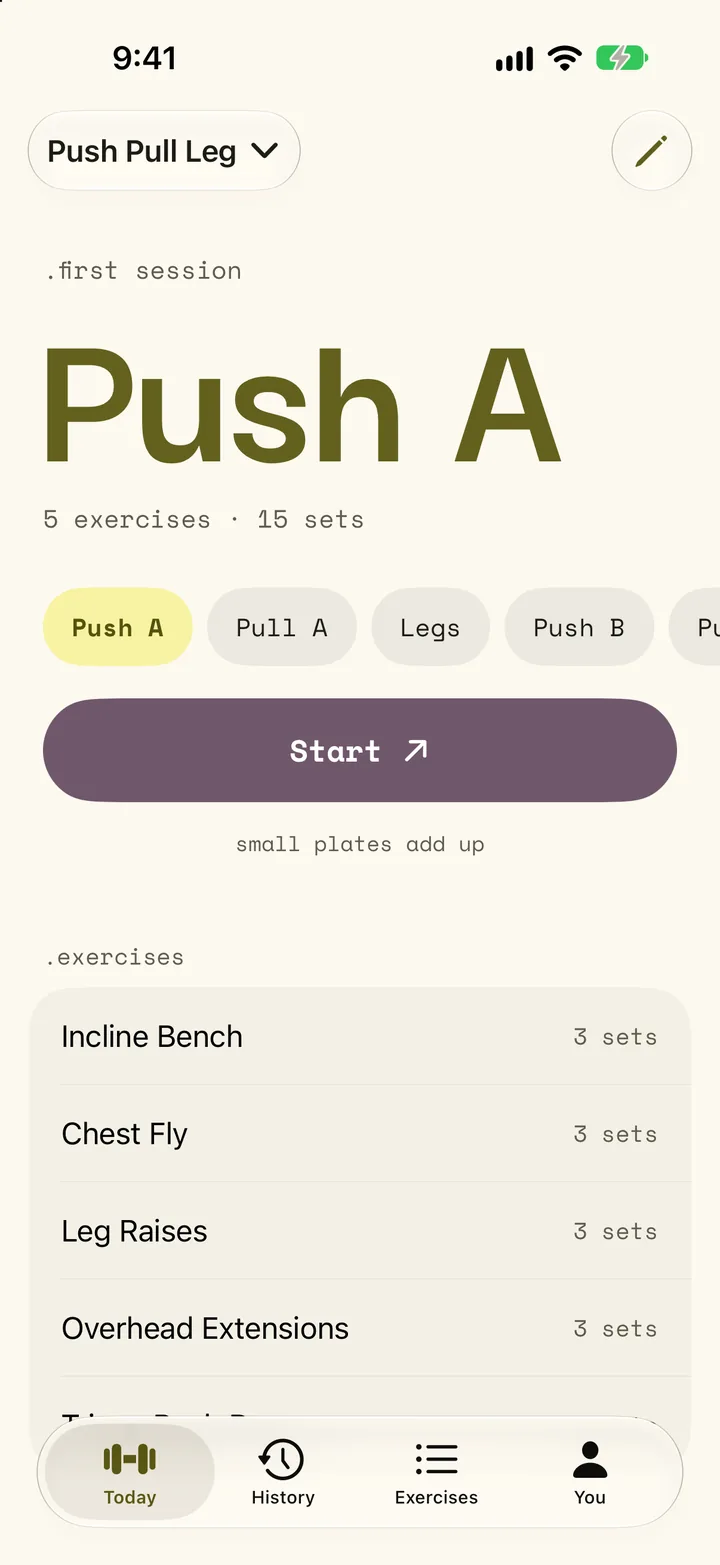
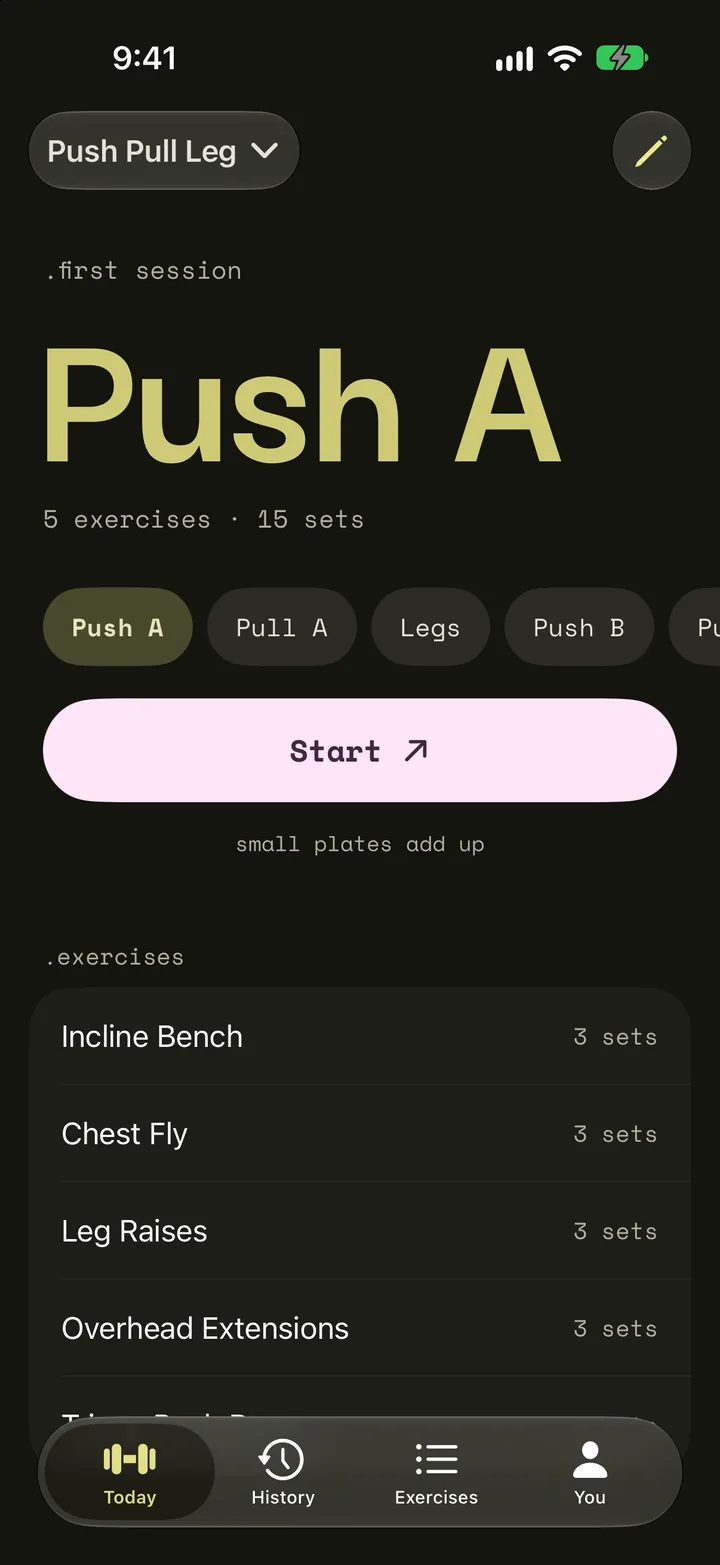
.today -
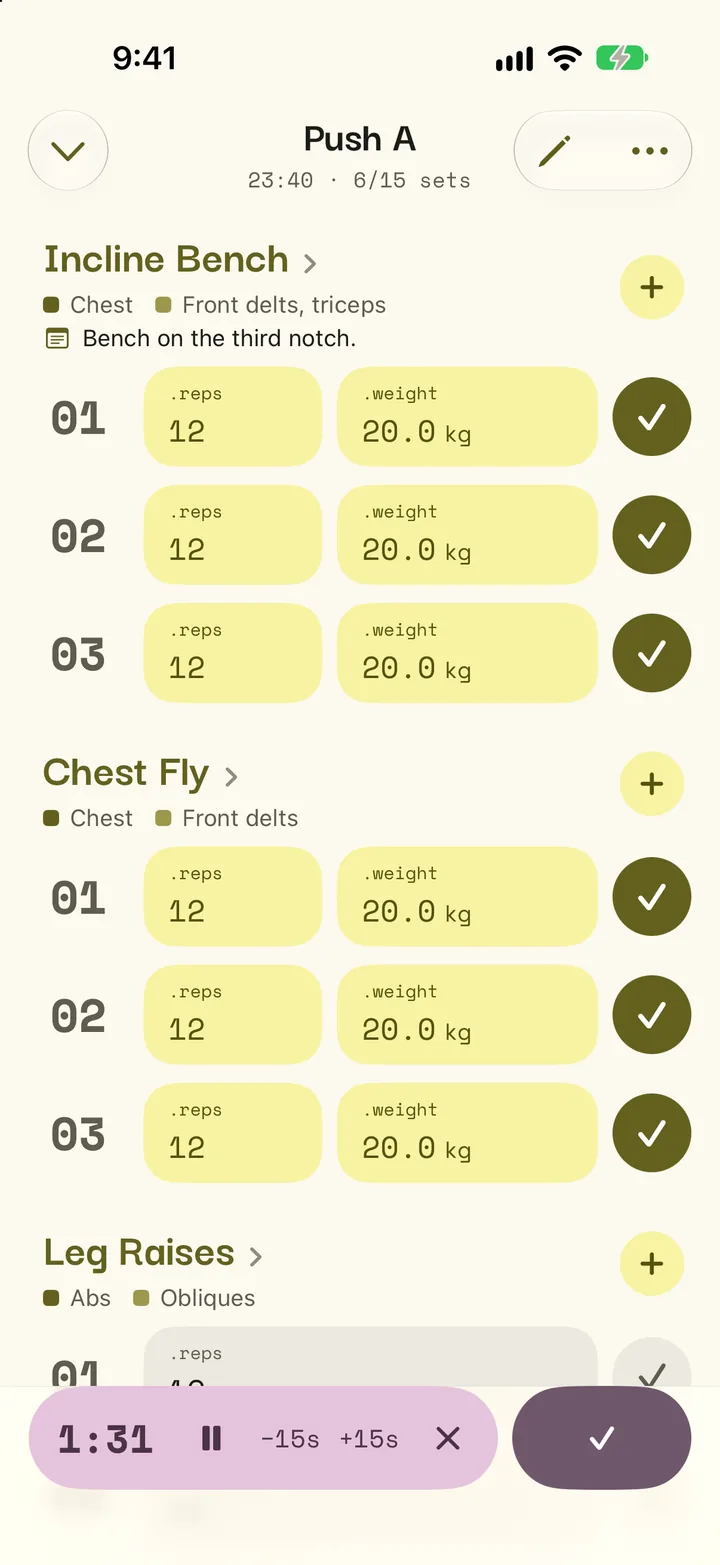
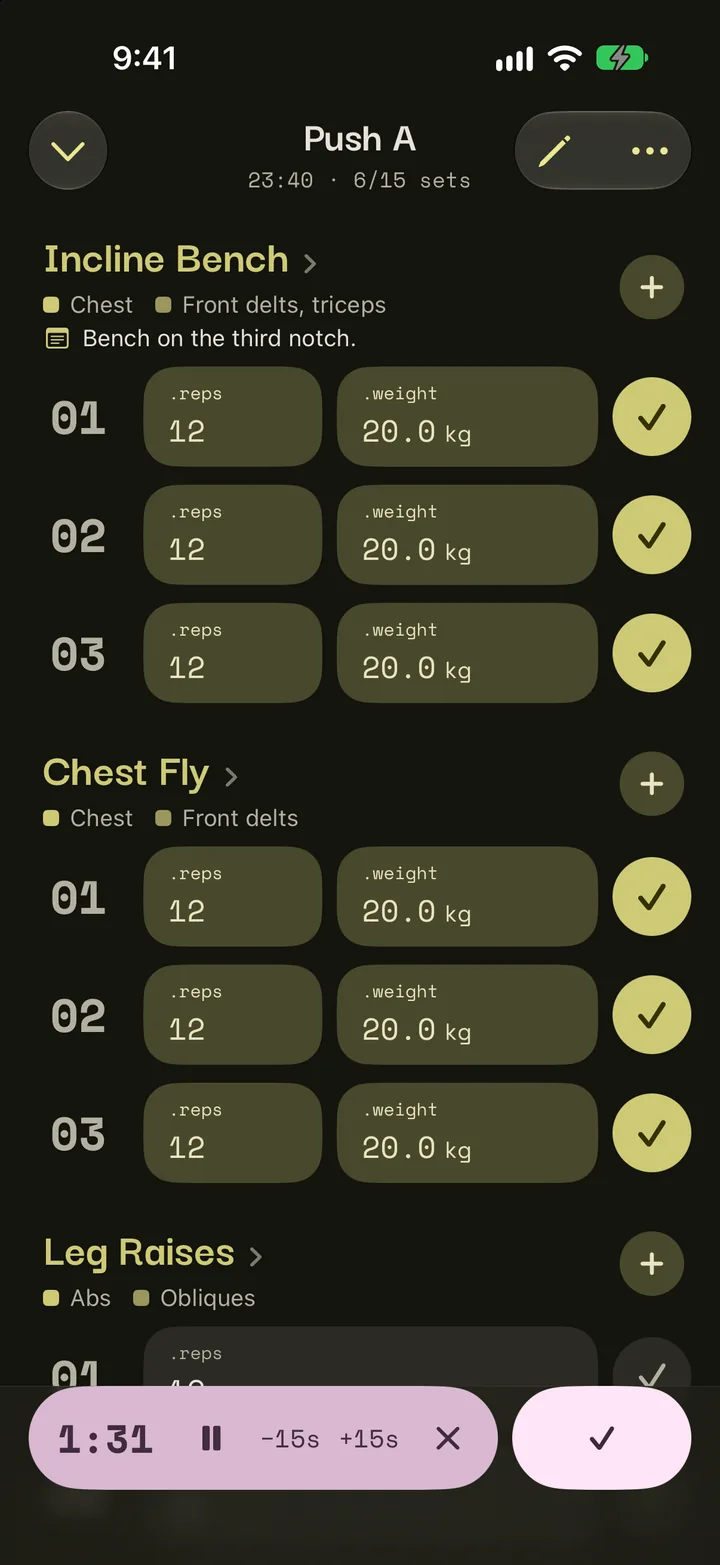
.workout -
.progress -
.how to do it -
.history -
.you
.android Kamae for Android
-
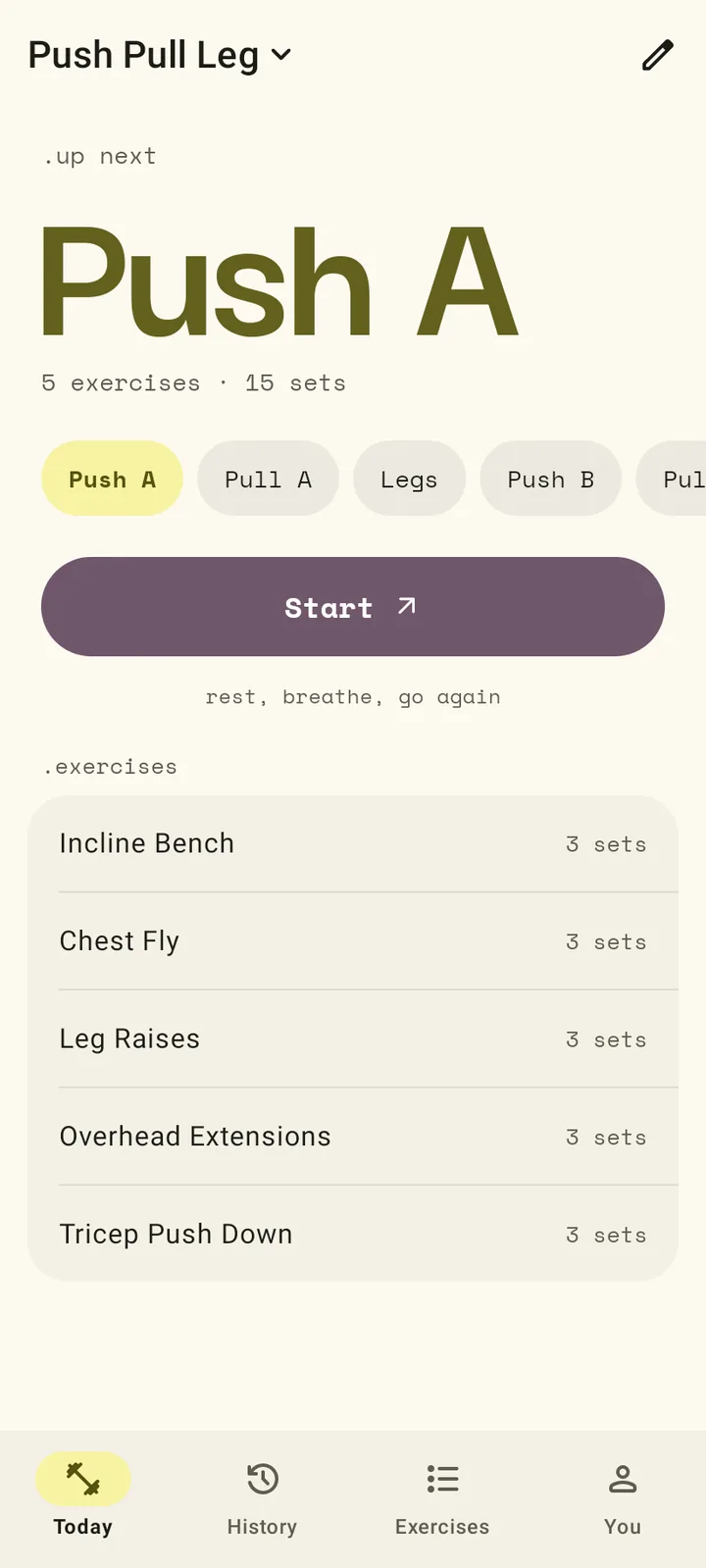
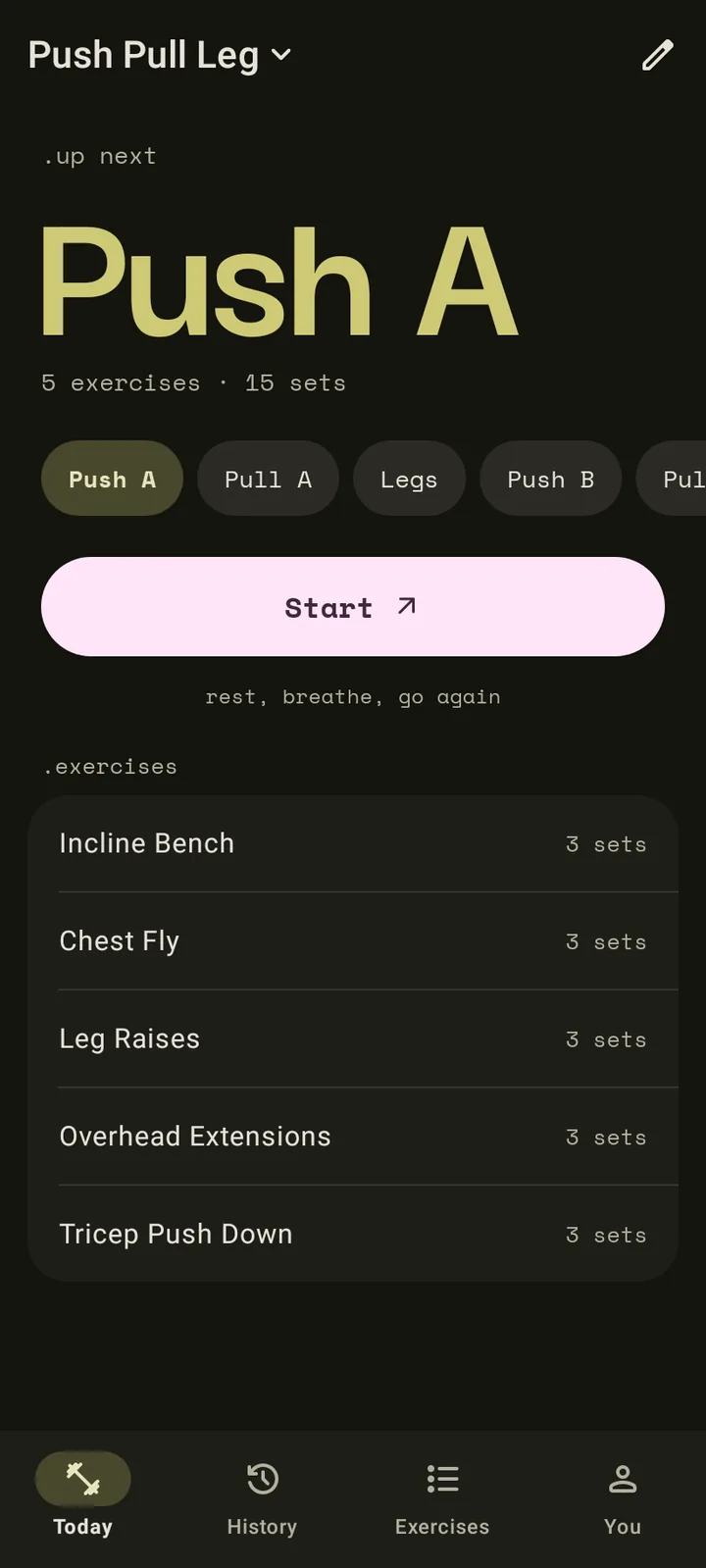
.today -
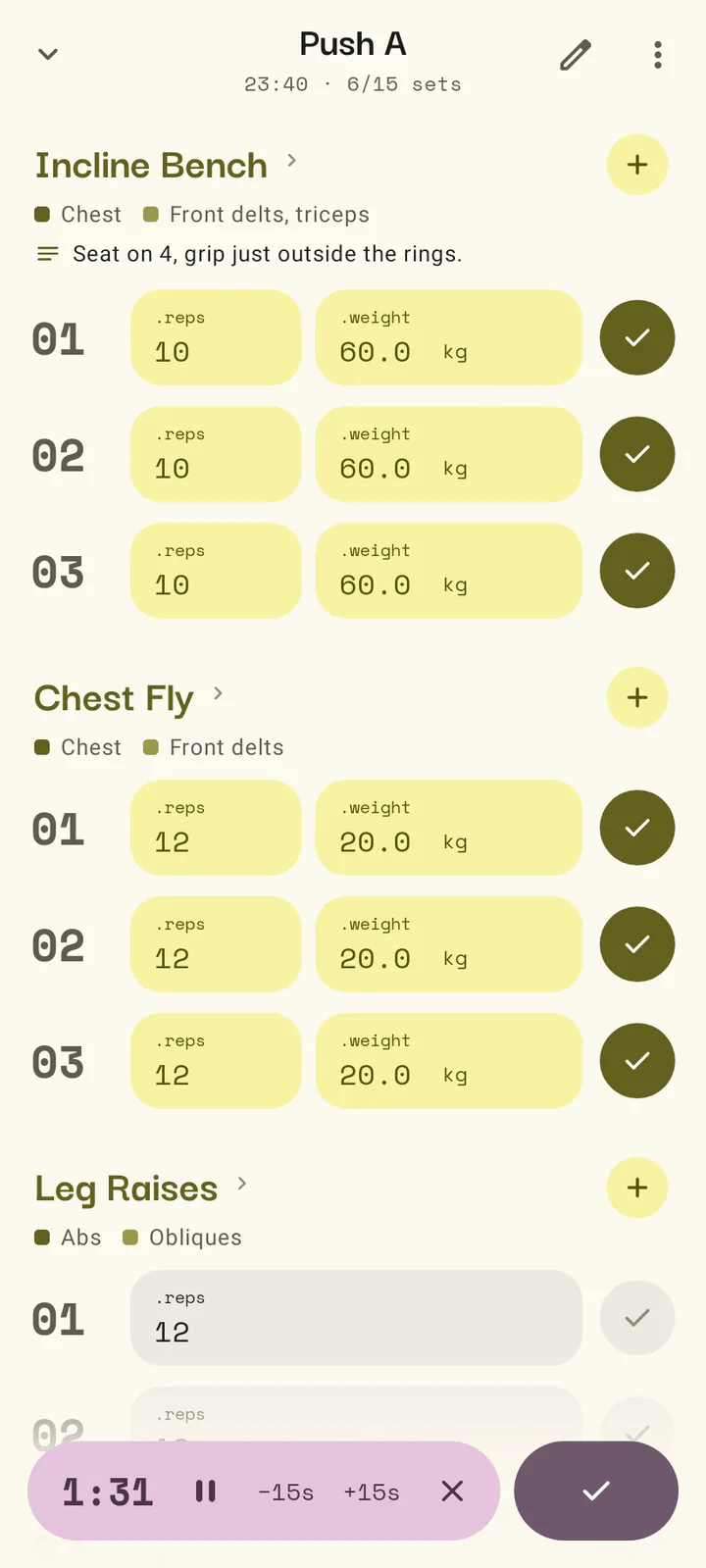
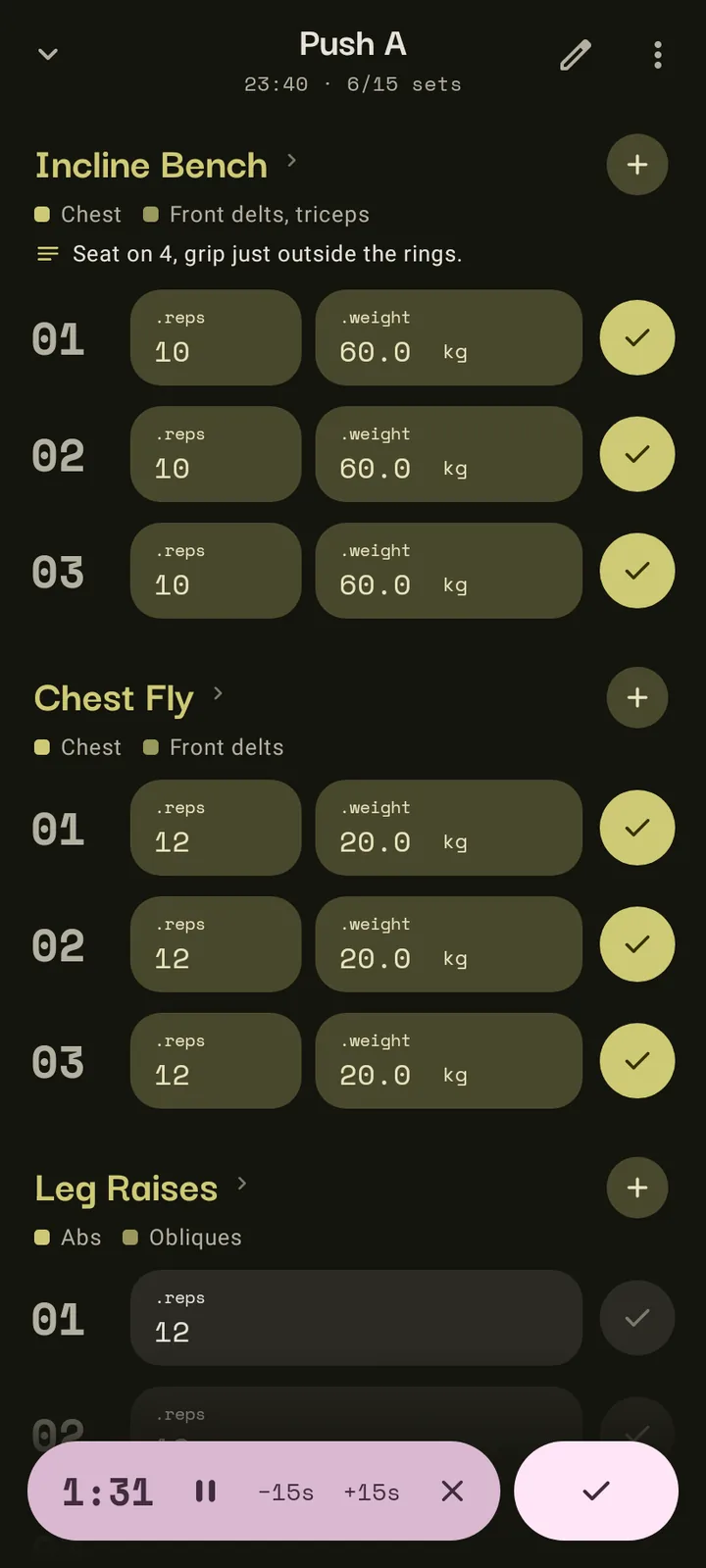
.workout -
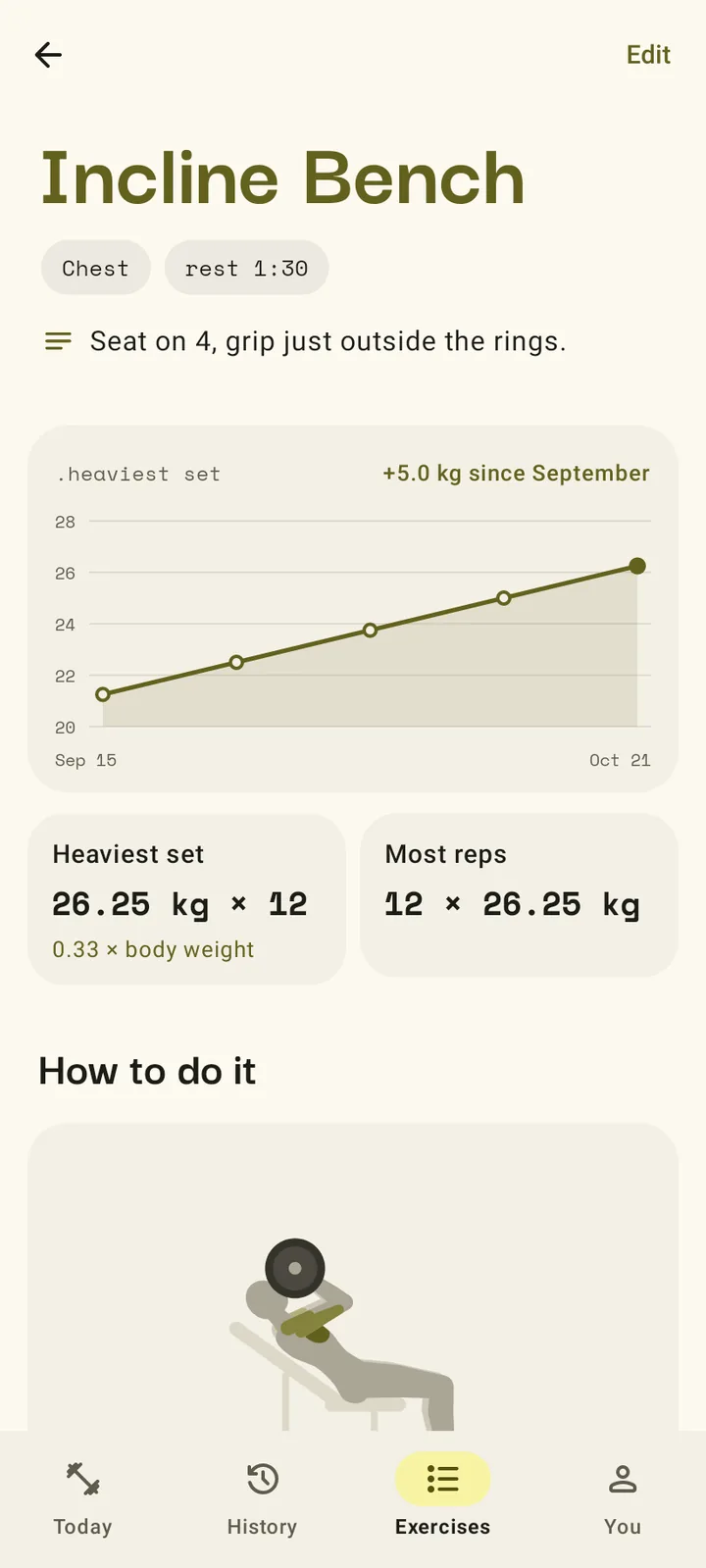
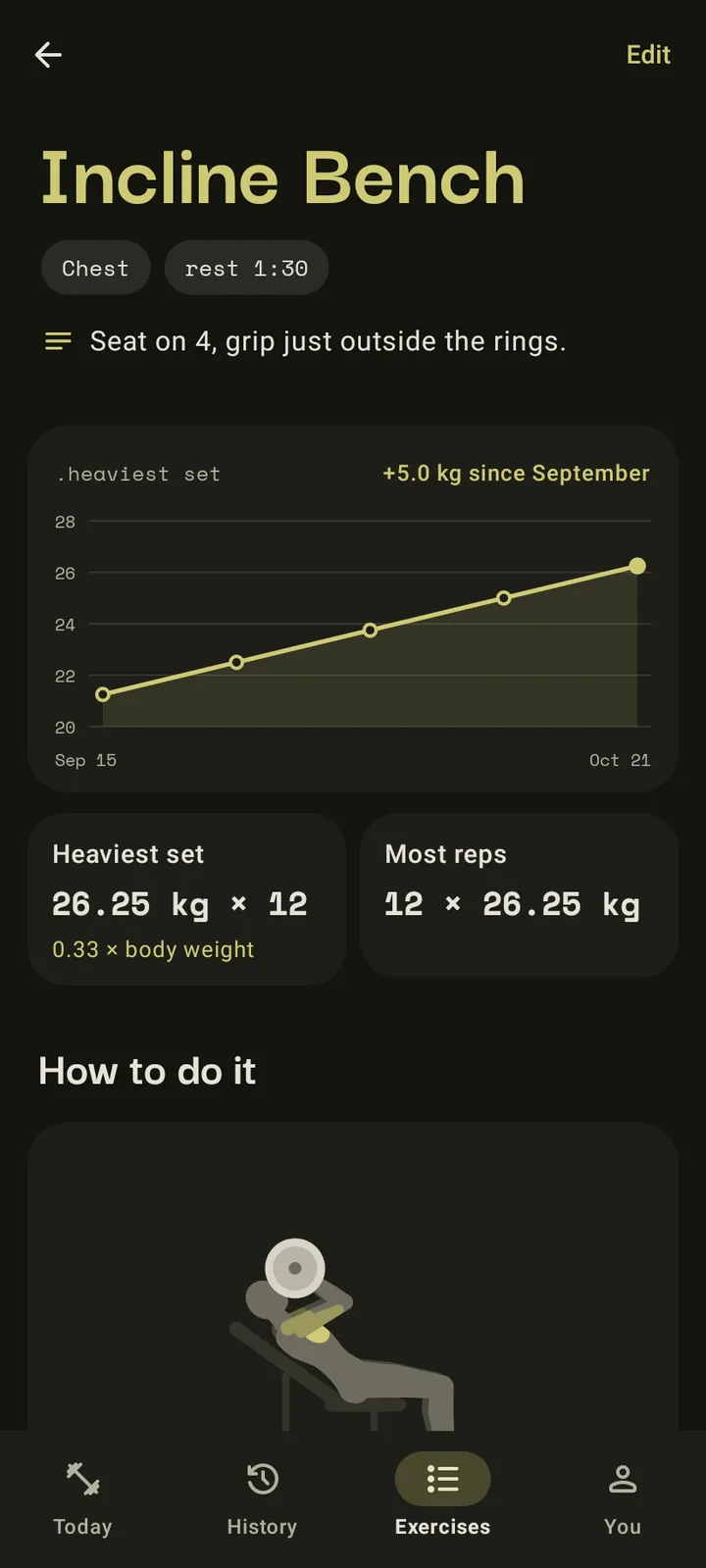
.progress -
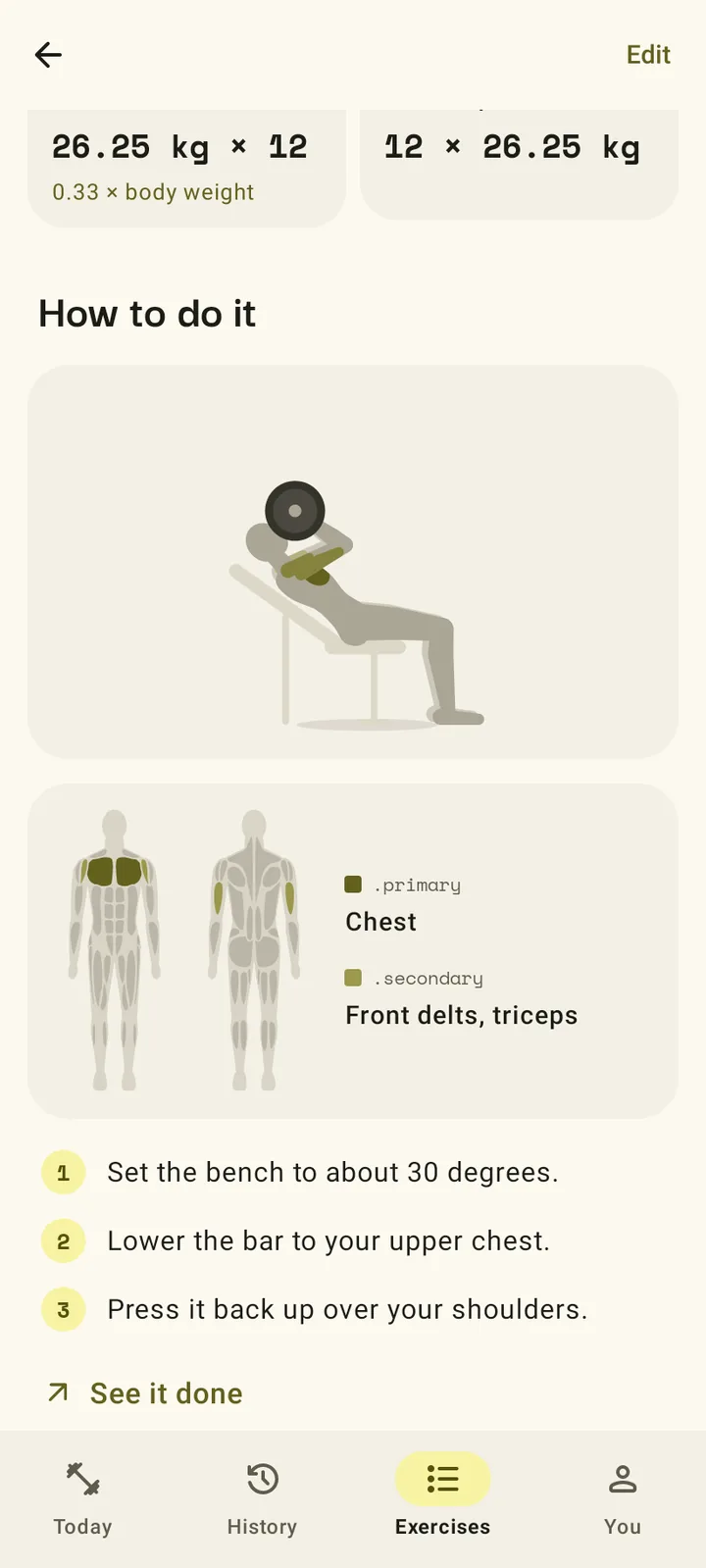
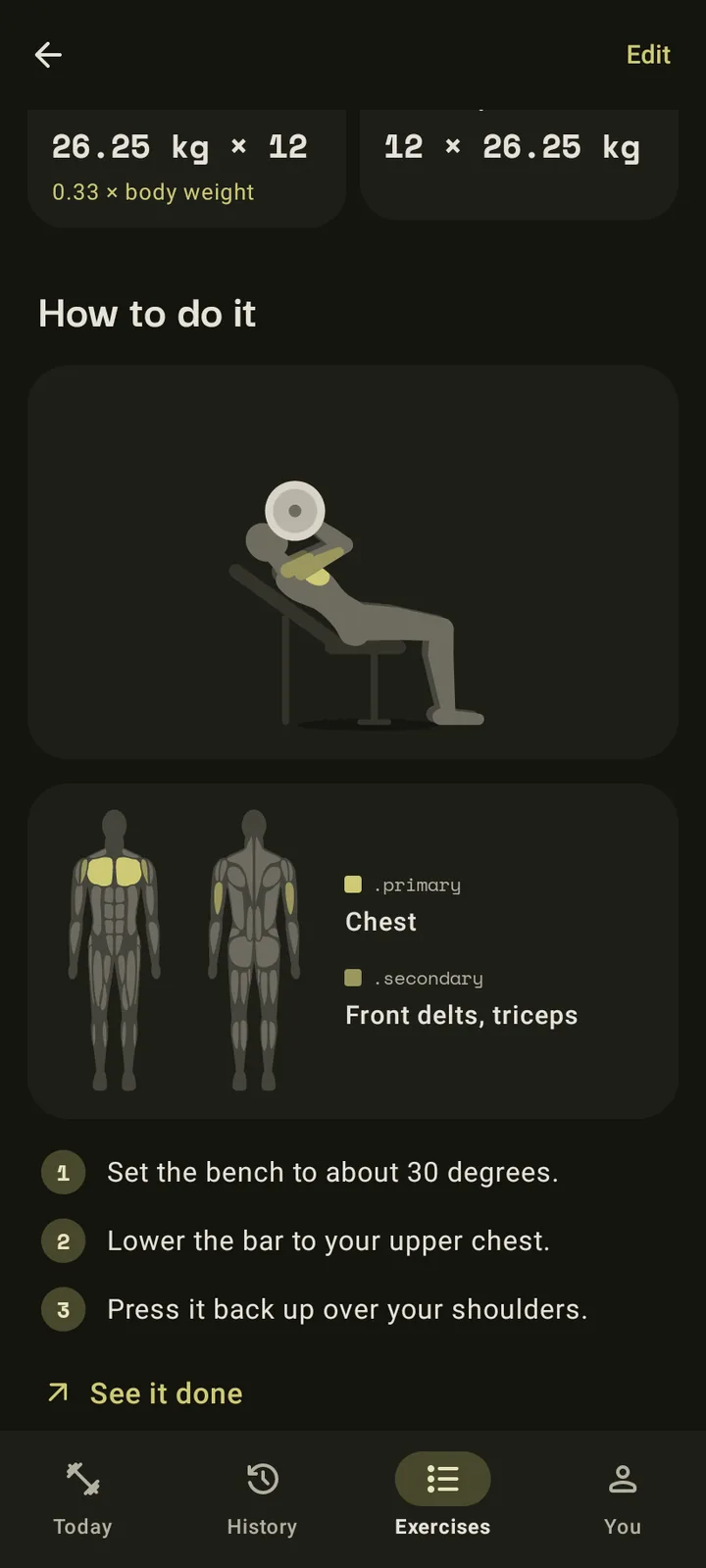
.how to do it -
.history -
.you
Your day is already waiting.
Open Kamae and the next day in your plan is up. Start it, tick off each set as you do it and let the rest timer count you back in.
When you finish, you choose what happens to the sets you skipped. The plan keeps up with what you really lifted.
Everything a lifter needs, nothing they don't.
- .days
- Name your training days, pick their exercises and plan the sets ahead. Kamae always knows which day is up next.
- .sets
- Log sets as you go, add one on the fly and keep warm-ups first. Weights show in kilograms or pounds, and you can type them with a point or a comma.
- .rest
- A rest timer starts after each set, and you can pause it or add time. On iPhone it follows you to the Lock Screen and the Dynamic Island, and on Android it is a notification.
- .exercises
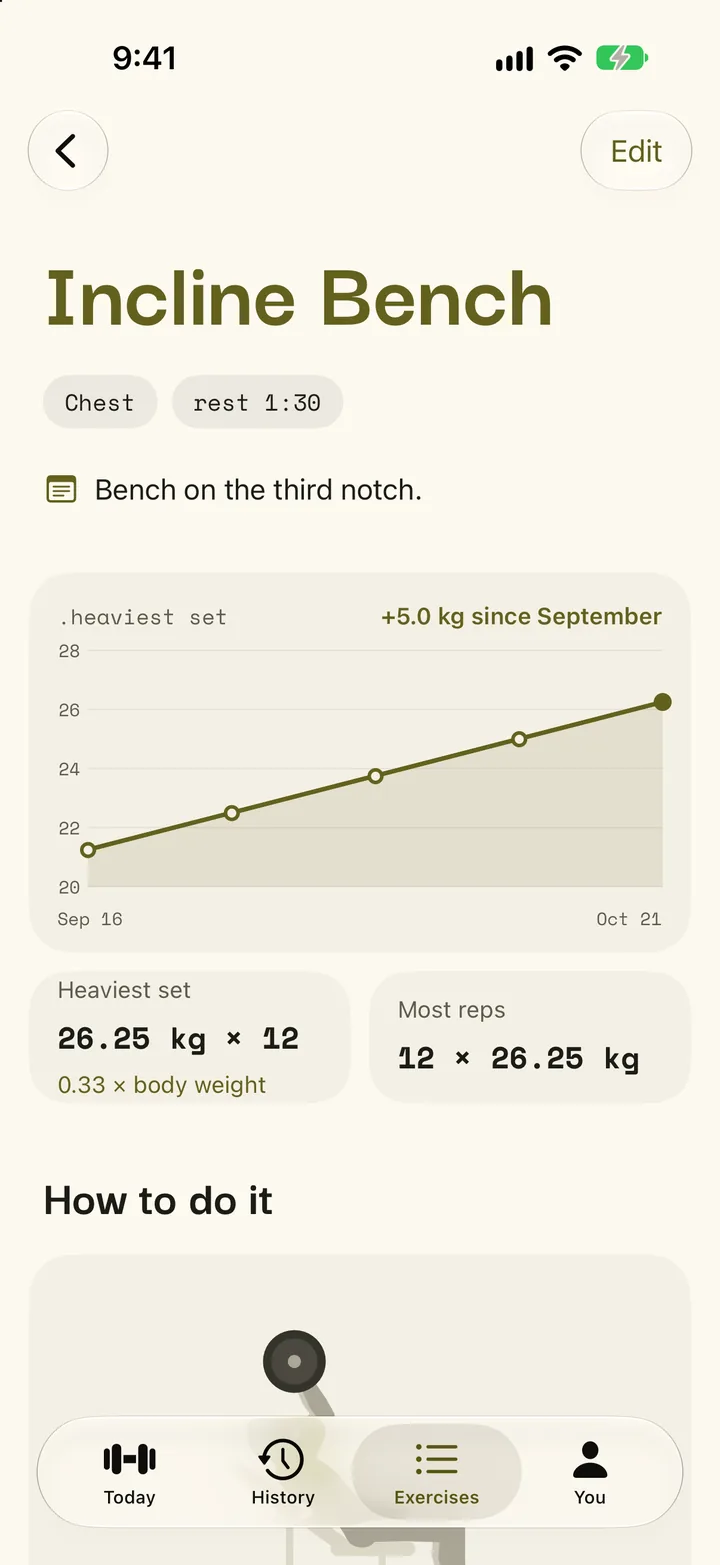
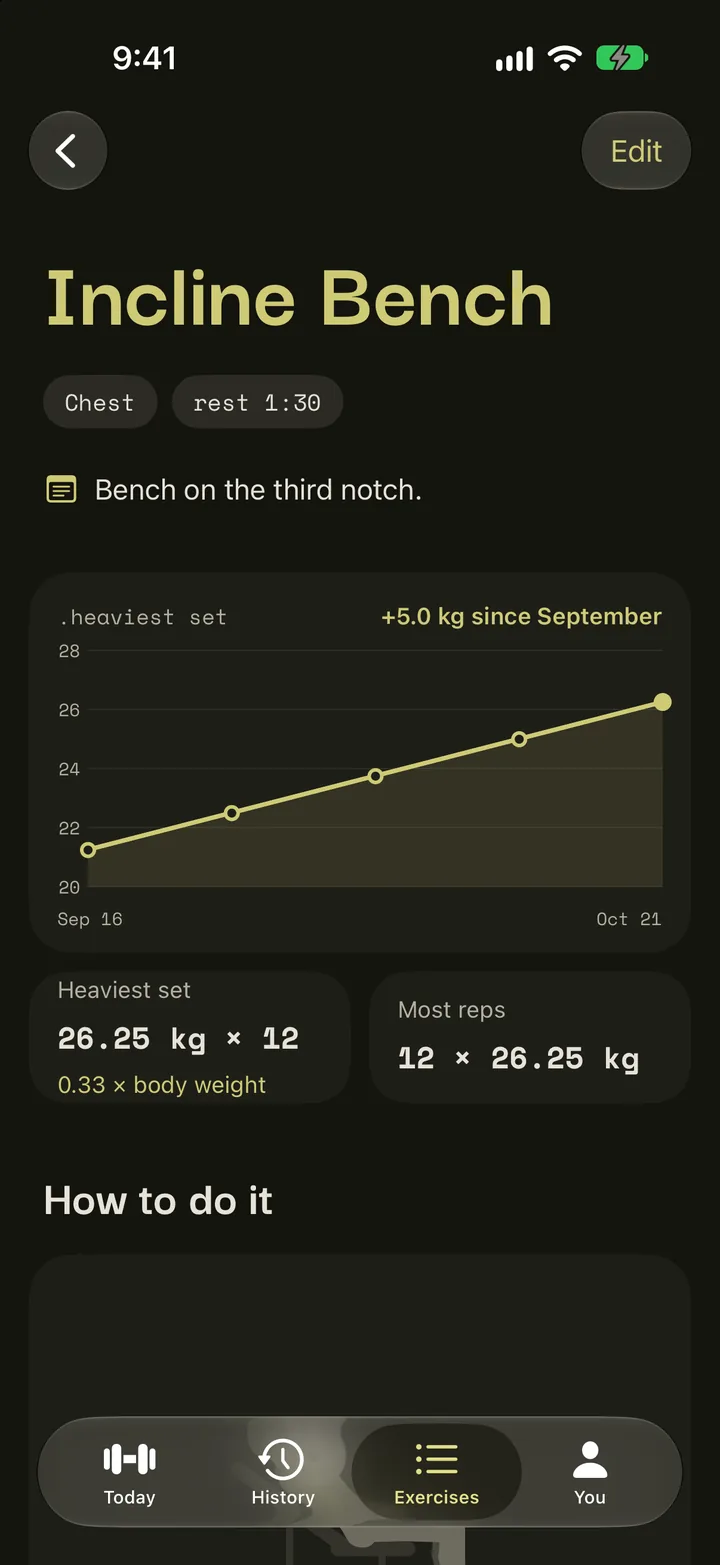
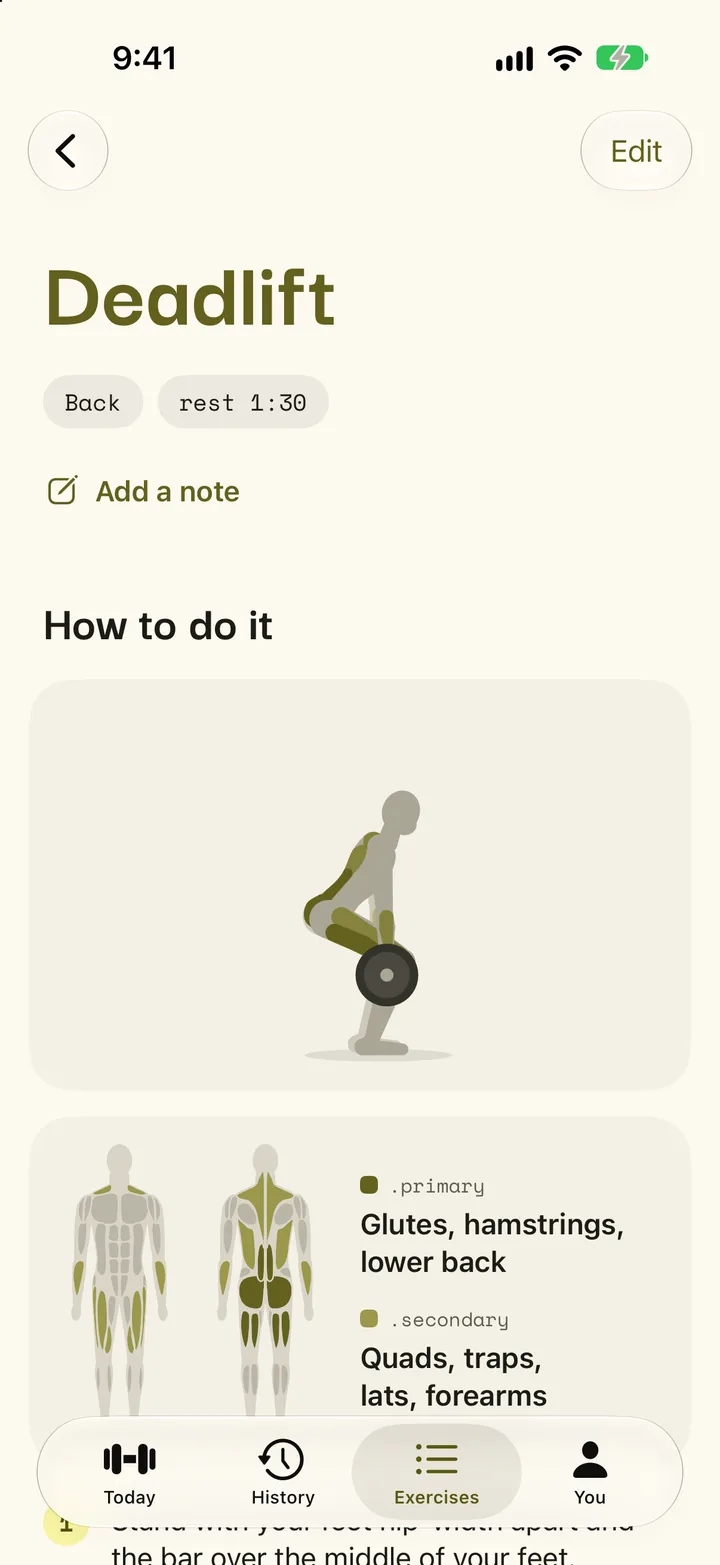
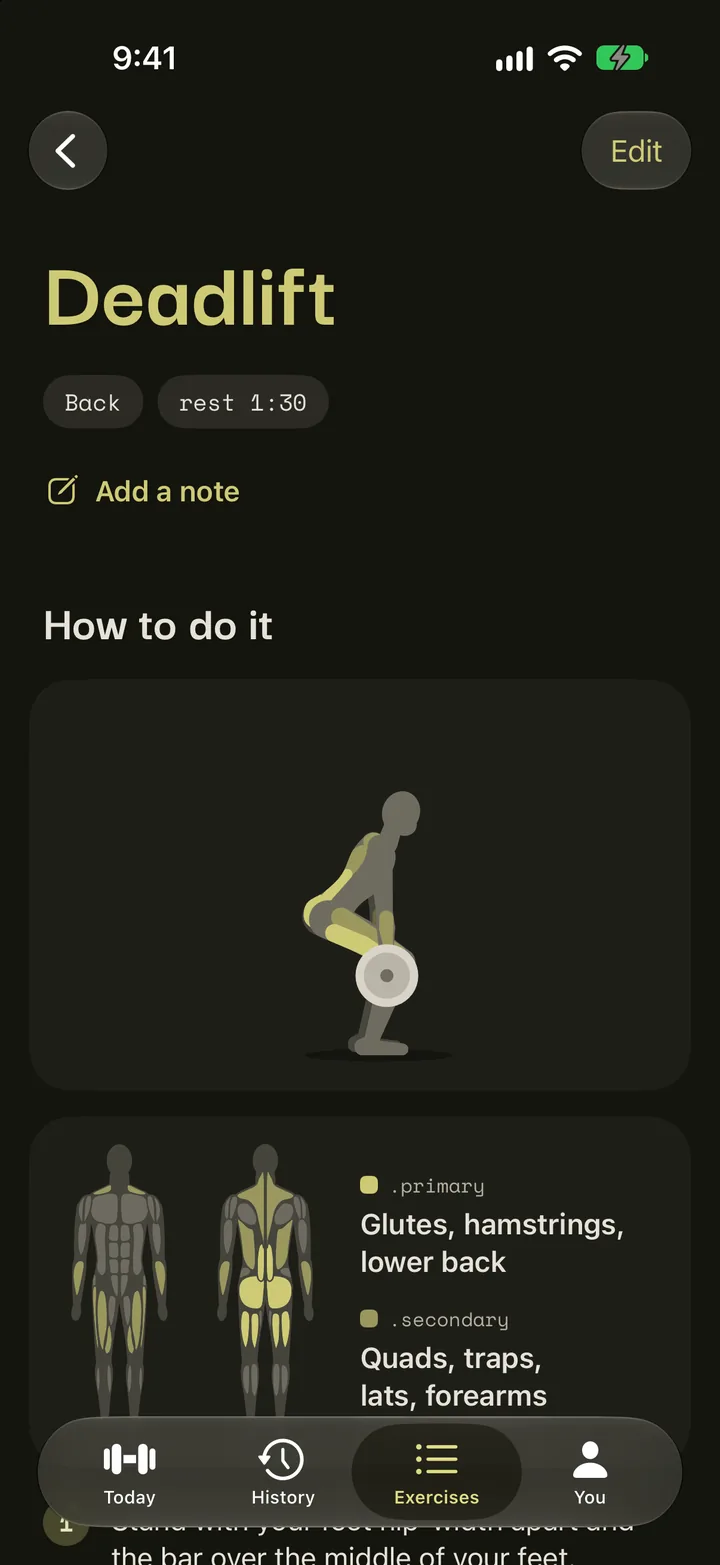
- Start with 169 exercises, each with an animated figure doing the movement, the muscles it works and its steps, and add your own. Each page charts your heaviest set.
- .history
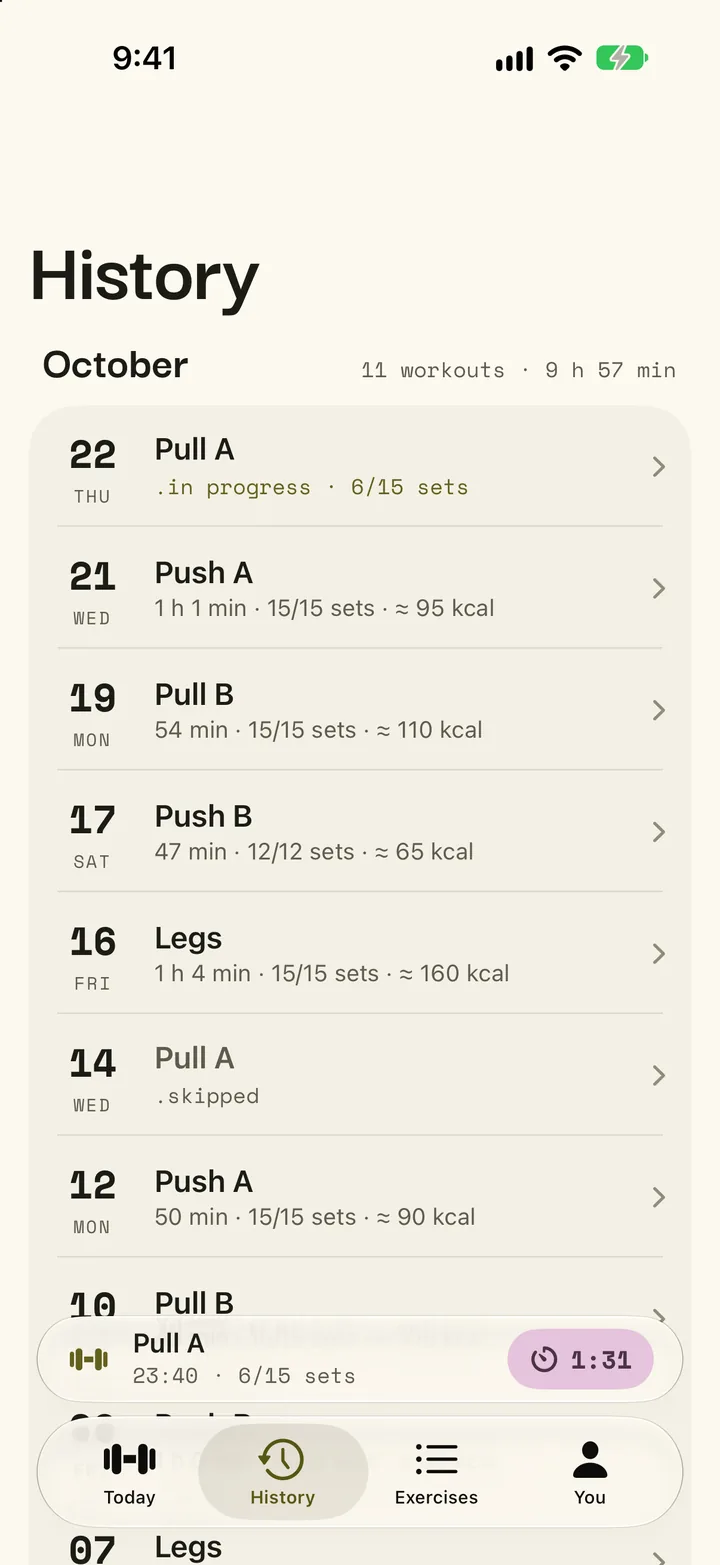
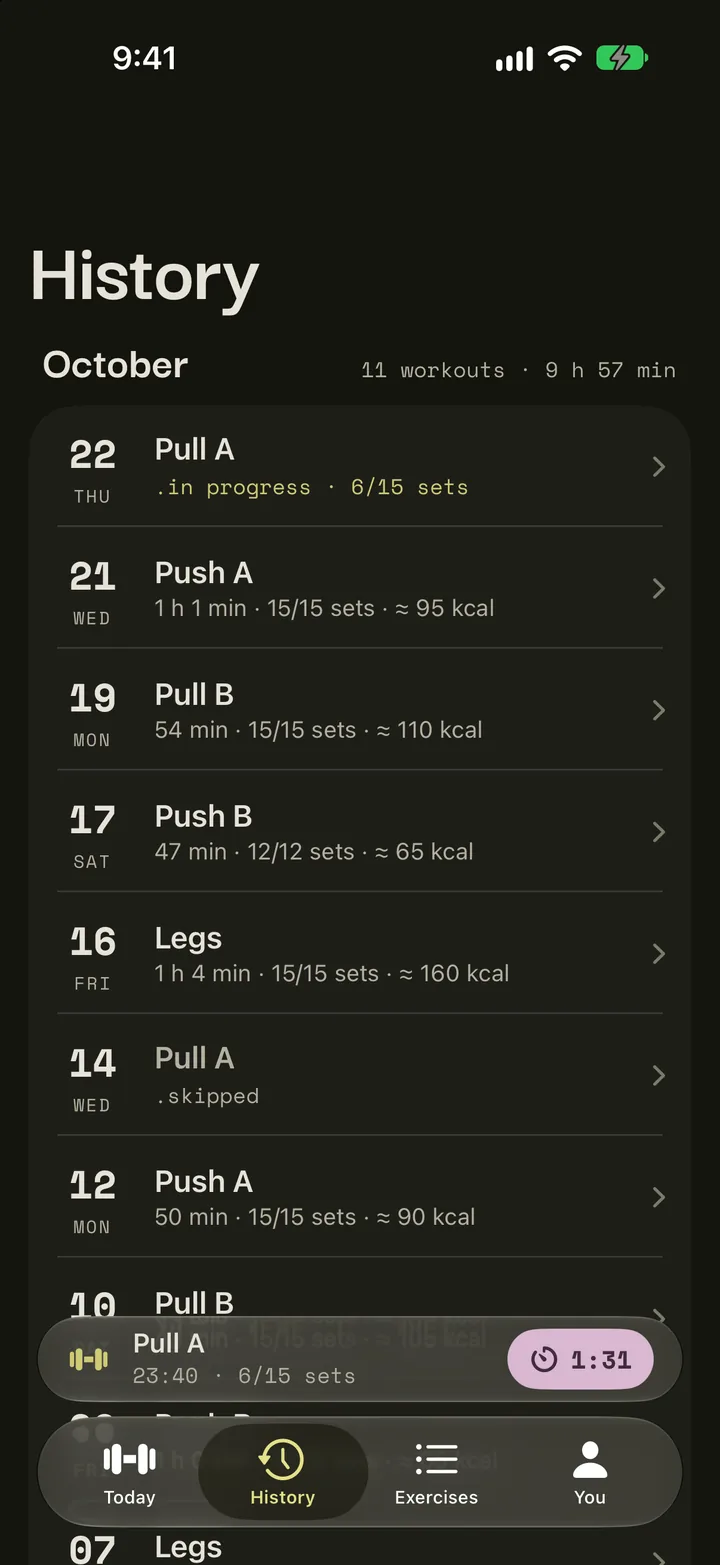
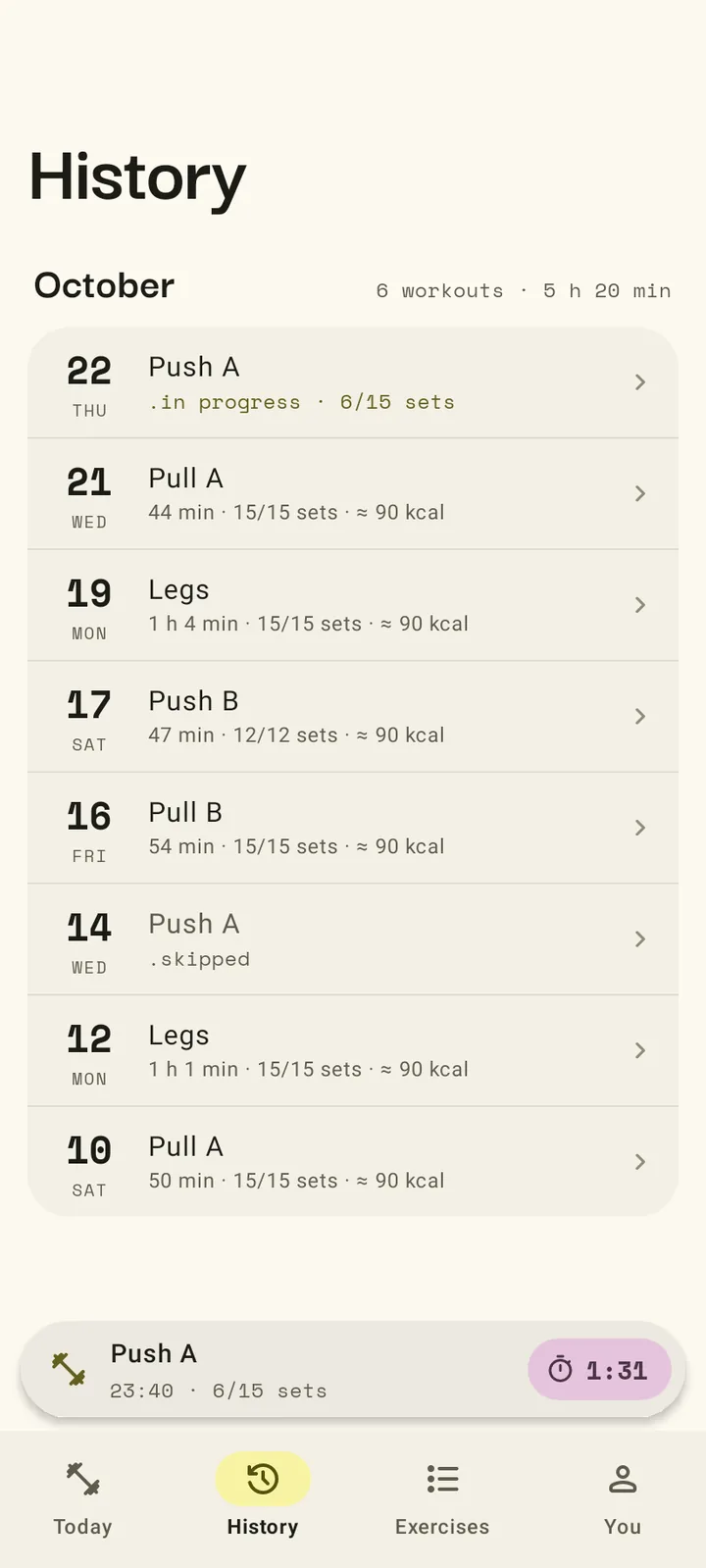
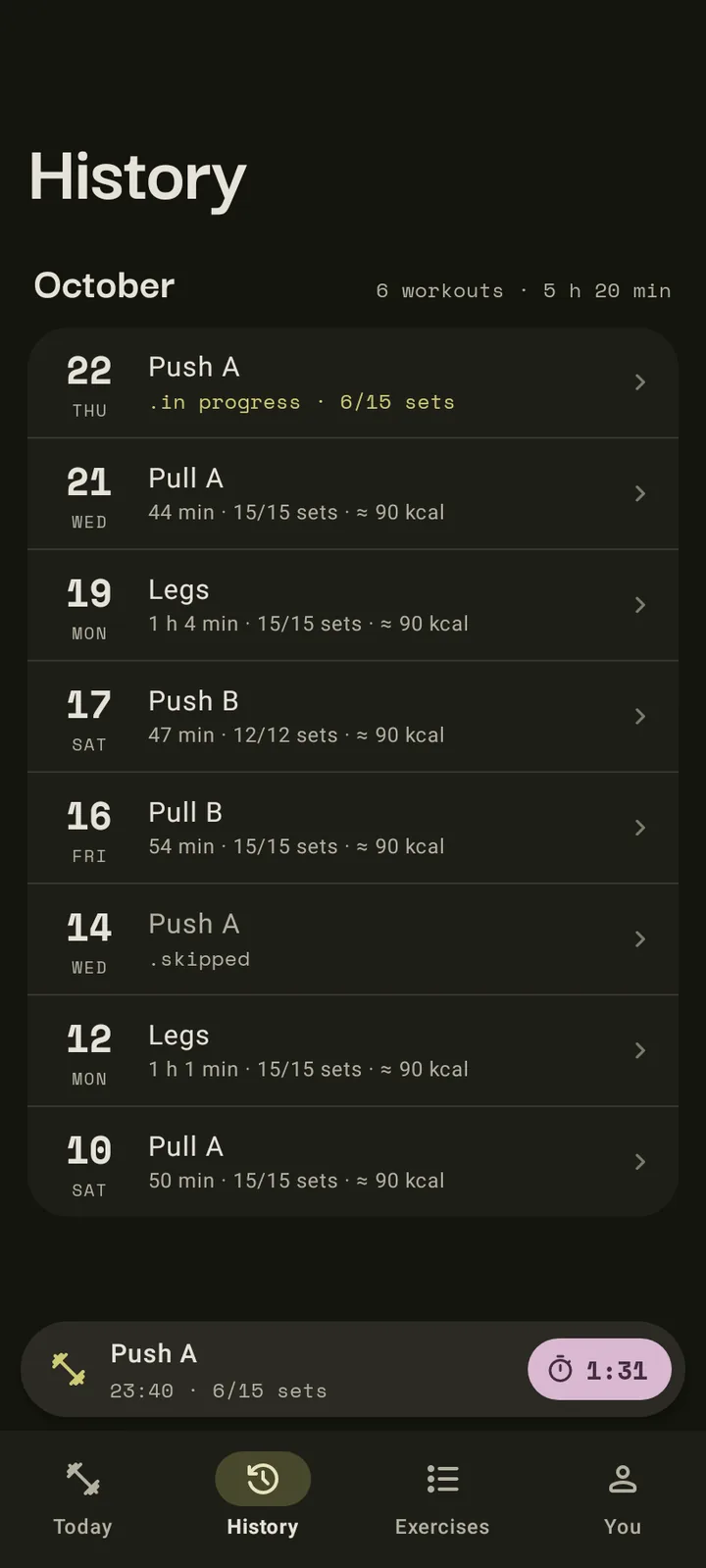
- Every workout, month by month, with how long it took, how many sets you finished and an estimate of the energy it used. Open one to see what you lifted.
- .progress
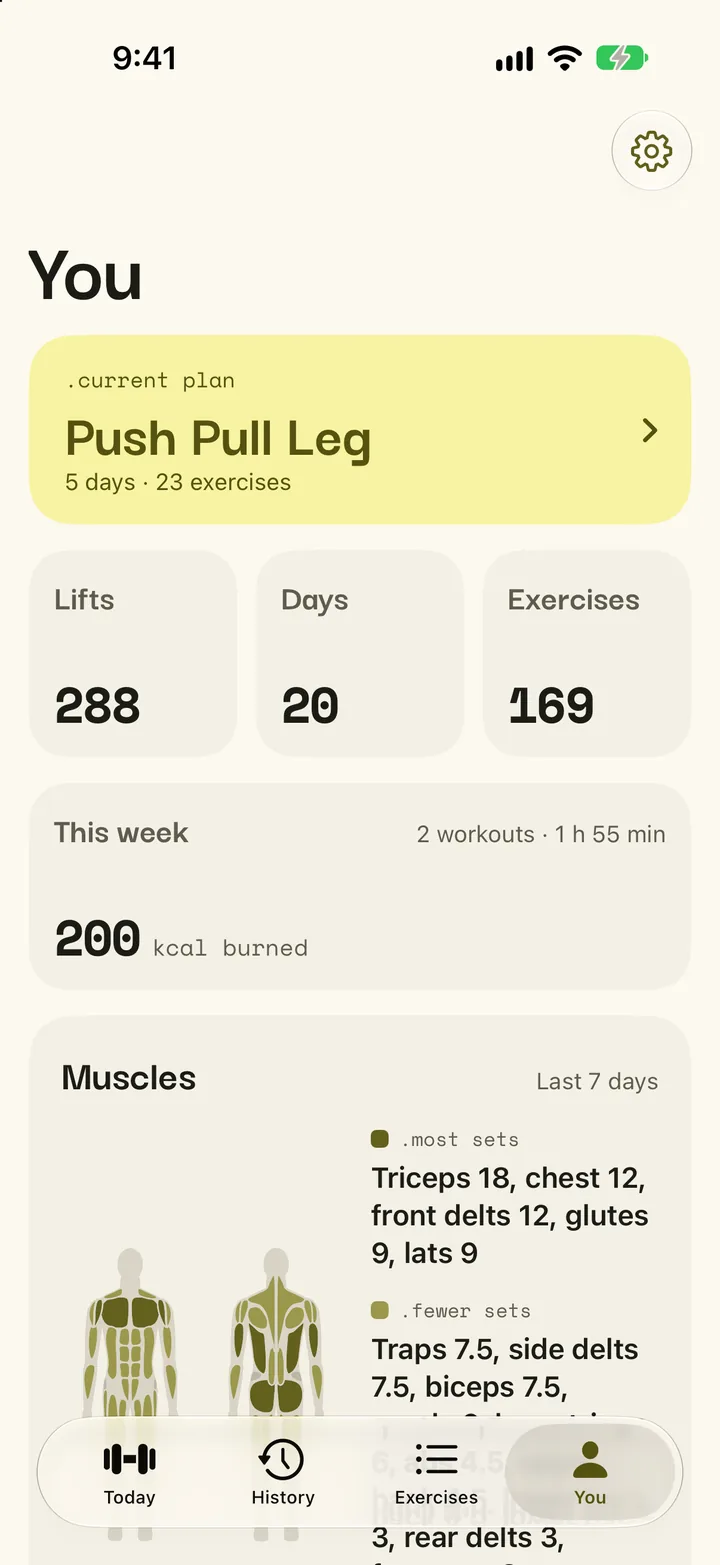
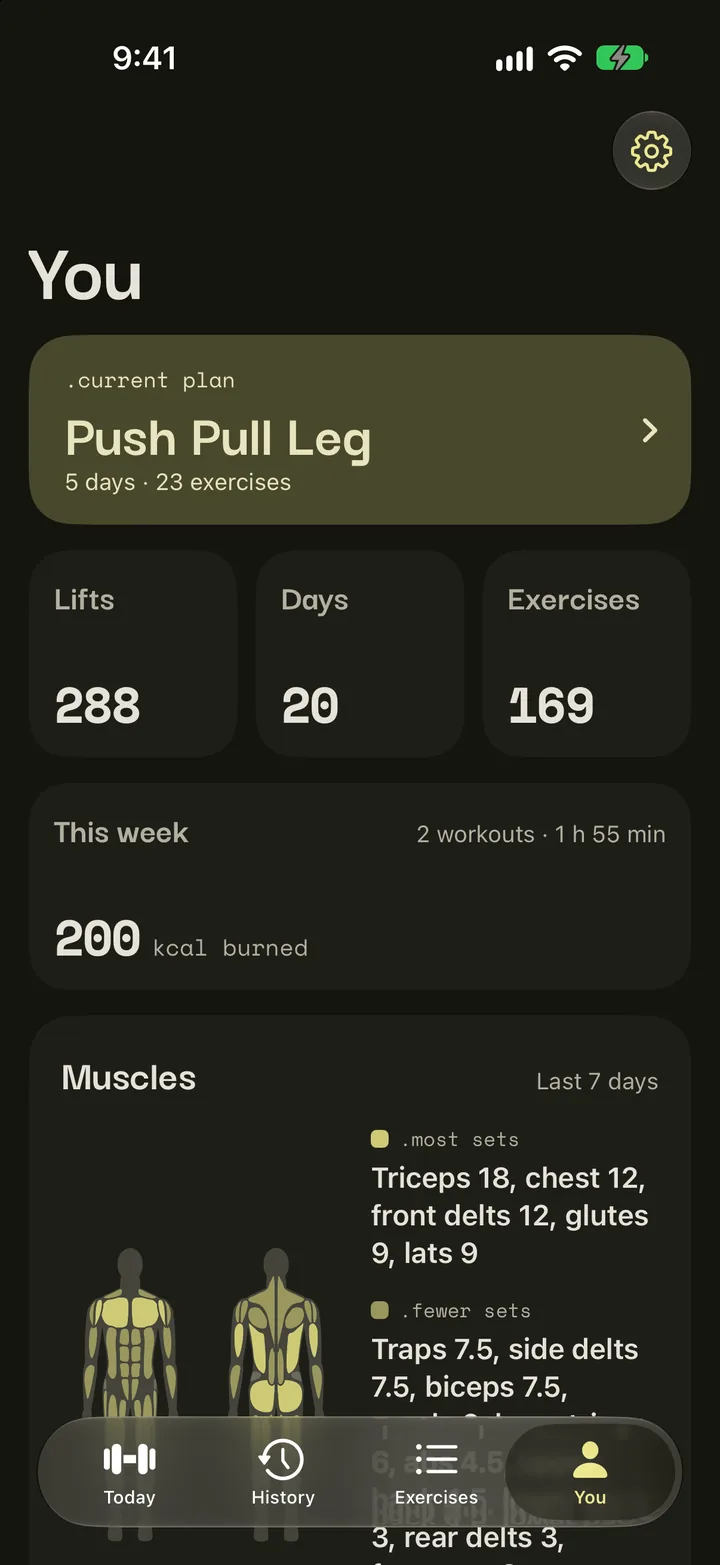
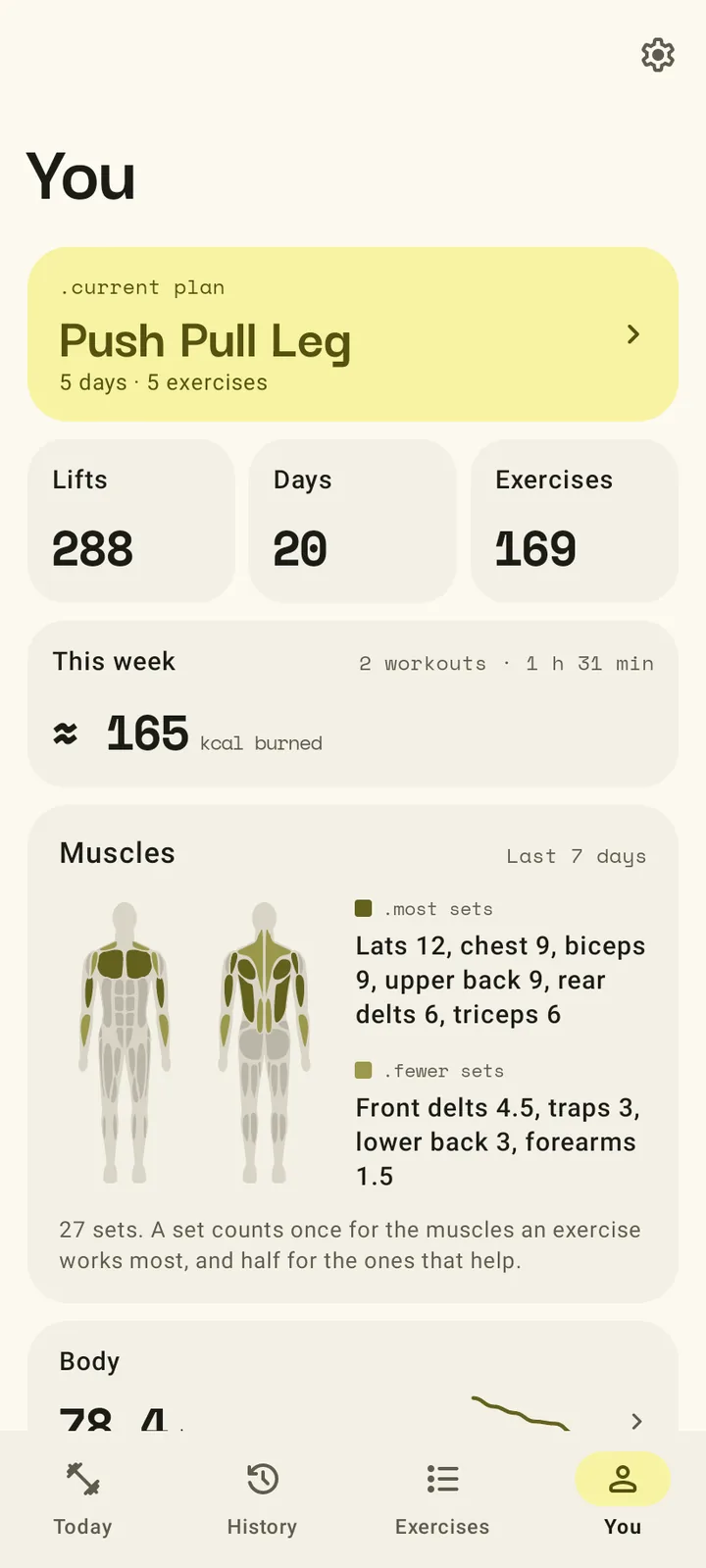
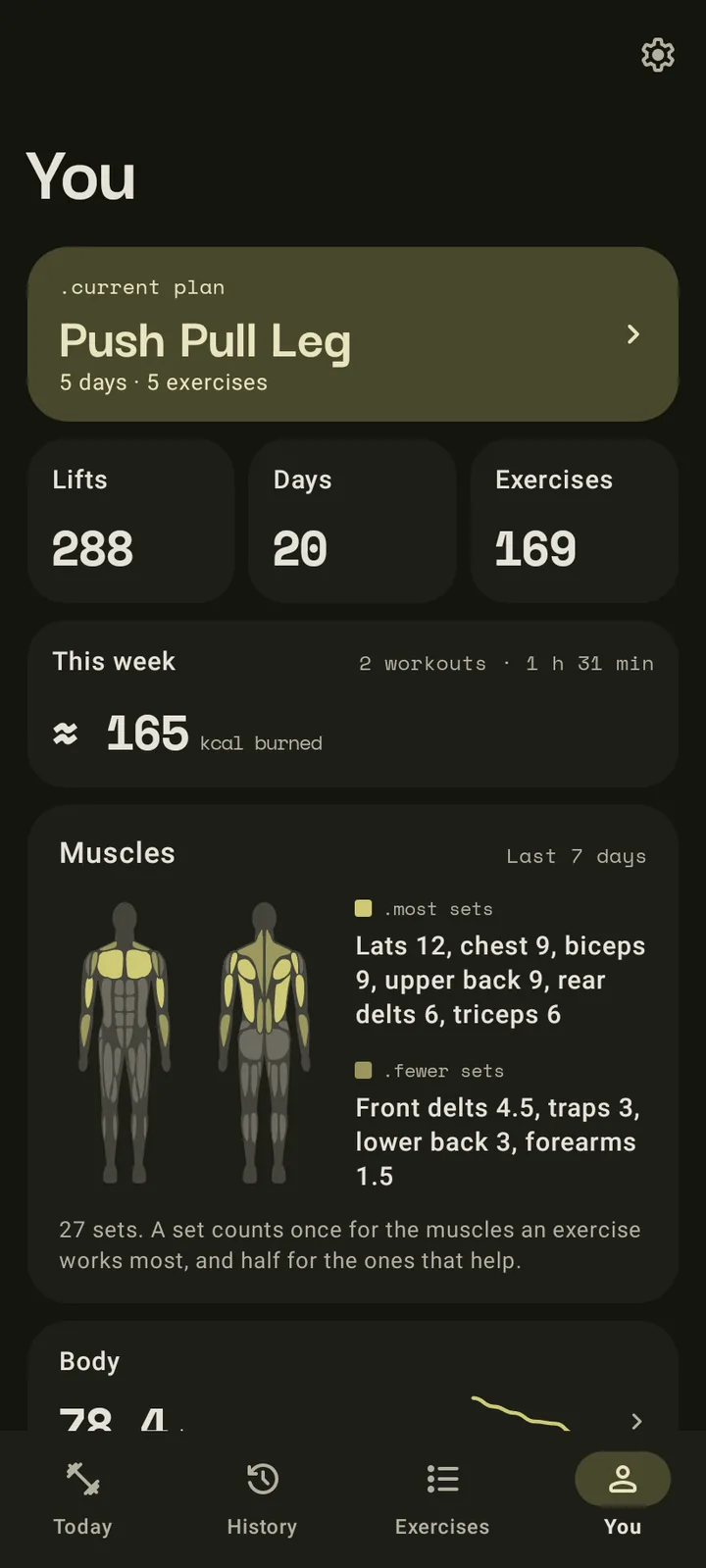
- Your new bests after each workout, totals for your lifts and days trained, the muscles you worked this week, and a grid with a square for every day you trained.
Your data is a file, and it is yours.
Kamae has no accounts and no cloud. After every workout it backs up to a plain zip file in a folder you choose, and the backup restores on Android or iPhone, because both apps use the same format.
Backups from Kitae, on either phone, restore too.
- .no accounts
- .no ads
- .no tracking
- .no feeds
Kamae, 構え
Kamae is Japanese for a stance: the set, ready position you take before you move, as in kendo or karate. In the gym it's the moment before a lift, feet planted and grip set.
Until November 2026 the app was called Kitae, from 鍛え, "to forge, to train". Another workout log on the App Store already went by Kitae, so the app took a name of its own. Only the name changed: your data and backups stay as they are.